
Mission + Vision
All humans are dreamers, creators, and achievers. Our mission is to provide the place, the tools, and the support to empower people to dream, create and achieve. The Scholars' Lab Makerspace is strategically situated within the UVA Library to be open, provide a low barrier of entry to making, and be a helpful resource of information, technology and support. Our space is open to everyone, including the public, and proactively encourages those in underrepresented academic studies, ethnicities, genders, economic classes and skill levels to come learn, make, and research.
The Makerspace staff provides consultations and instruction for all your electronics, crafting, textiles, laser cutting, and 3D printing projects whenever the Makerspace is open, or by appointment. Please drop in, or send inquiries to slabmakerspace@virginia.edu.
Or schedule a consultation with Ammon, manager of our Makerspace.
Hours + Location
Open Hours + Access
Map
The Scholars' Lab Makerspace is on the 3rd floor of Edgar Shannon Library, on the south end of Scholars' Lab. Click the map to view a larger version, or see a map showing where the Makerspace is on the 3rd floor of Shannon.

Makerspace Resources
Using the Makerspace
The Makerspace is open to all UVA students, staff and faculty, as well as the general public. We hope you will find the equipment, resources, and support to help you MAKE anything (within reason) you want to make.
You can stop in any time during our open hours, or contact us at slabmakerspace@virginia.edu to schedule an appointment with a Makerspace Technologist or Scholars’ Lab staff to discuss your project.
You can view a list of all of our resources at this spreadsheet.
Equipment
General equipment can be reserved for use in the Makerspace by visiting the equipment page. 3D printers and the laser cutter can be reserved on their respective reservation pages (see links below).
You can also reserve equipment when you visit the Makerspace in person. Each tool has a QR code to scan for reservation.
All equipment is intended to use in the Makerspace and is not available for check out at this time. Don't see the equipment you need here? Visit makergrounds.virginia.edu for other shops, labs, and places for making at UVA.
The paper laserjet printer is to be used only for buttons, stickers, or other making projects. It is not to be used for printing term papers. University Printing has several copy/printers available for printing term papers throughout campus.
Questions? Hesitant about joining us in the Makerspace? You belong here, and we're happy to meet with you, answer questions, and give you a tour to help you feel more at home. Email slabmakerspace@virginia.edu to let us know you're curious about our Makerspace.
Usage Policy
Anyone who uses the equipment in the Makerspace should fill out the User Agreement form provided by EHS before using equipment.
The Makerspace technology may only be used for lawful purposes. No one is permitted to create an object that is:
- prohibited by local, state, or federal law
- unsafe, harmful, dangerous, or poses an immediate threat to the well-being of others, including weapon accessories (See: UVA Weapons Policy)
- obscene or otherwise inappropriate for the library environment. The Makerspace Technologists reserve the right to refuse requests based on the UVA Library Usage Policy, UVA general policies, or for any reason a Technologist feels is inappropriate
- in violation of another's intellectual property rights (for example, you cannot reproduce material subject to copyright, patent, or trademark protection)
- used for resale or other commercial purposes
- defective or poorly suited for equipment in the Makerspace
Faculty Consultations + Course Integrations
Our Makerspace is an active participant in academic research. We support scholars' independent and collaborative work to explore, understand, and report on emerging technologies, methodologies, and pedagogies in a variety of disciplines. We love working with faculty to support class projects! Send your requests and ideas to our Makerspace Manager Ammon Shepherd.
What's in the Makerspace
See our full list of equipment, including electronics and crafting equipment, on the Makerspace Equipment Reservation site, or the links below for the 3D printers and laser cutter.
Buttons
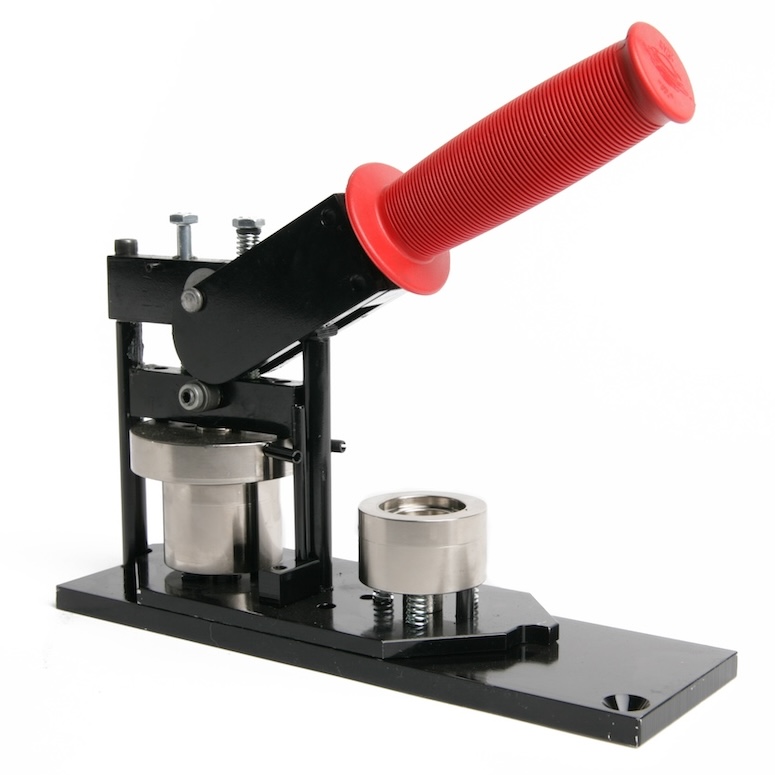
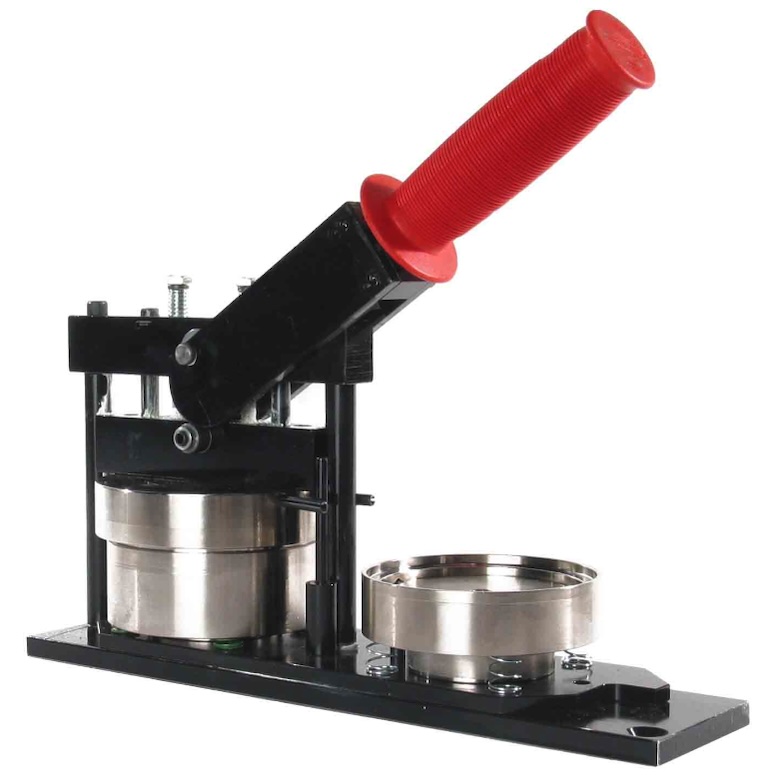
We have two different sized button makers; 1.5-inch and 2.25-inch. Button supplies provided by the Makerspace are intended for individual, personal use only. Supplies are not to be used by CIOs, clubs or for events. Due to the popularity and cost of button supplies, there is a 12 button per person limit. Combining multiple people's buttons in order to make more than the limit for an event is not allowed.
CIO's, clubs and other groups who would like to make buttons can purchase their own supplies and use our button presses. The 2.25-inch button kit from ButtonMakers.net is the recommended option.
Textiles
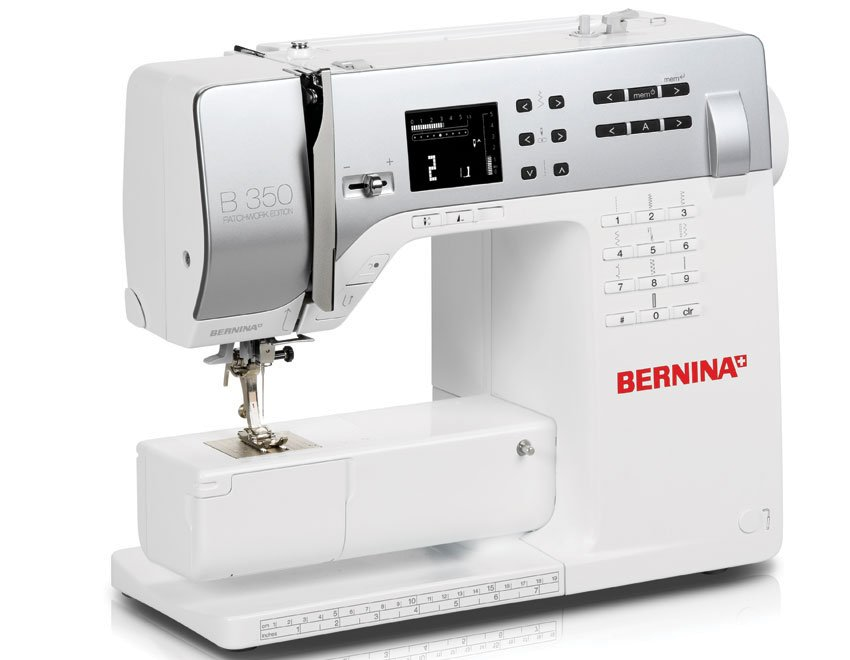
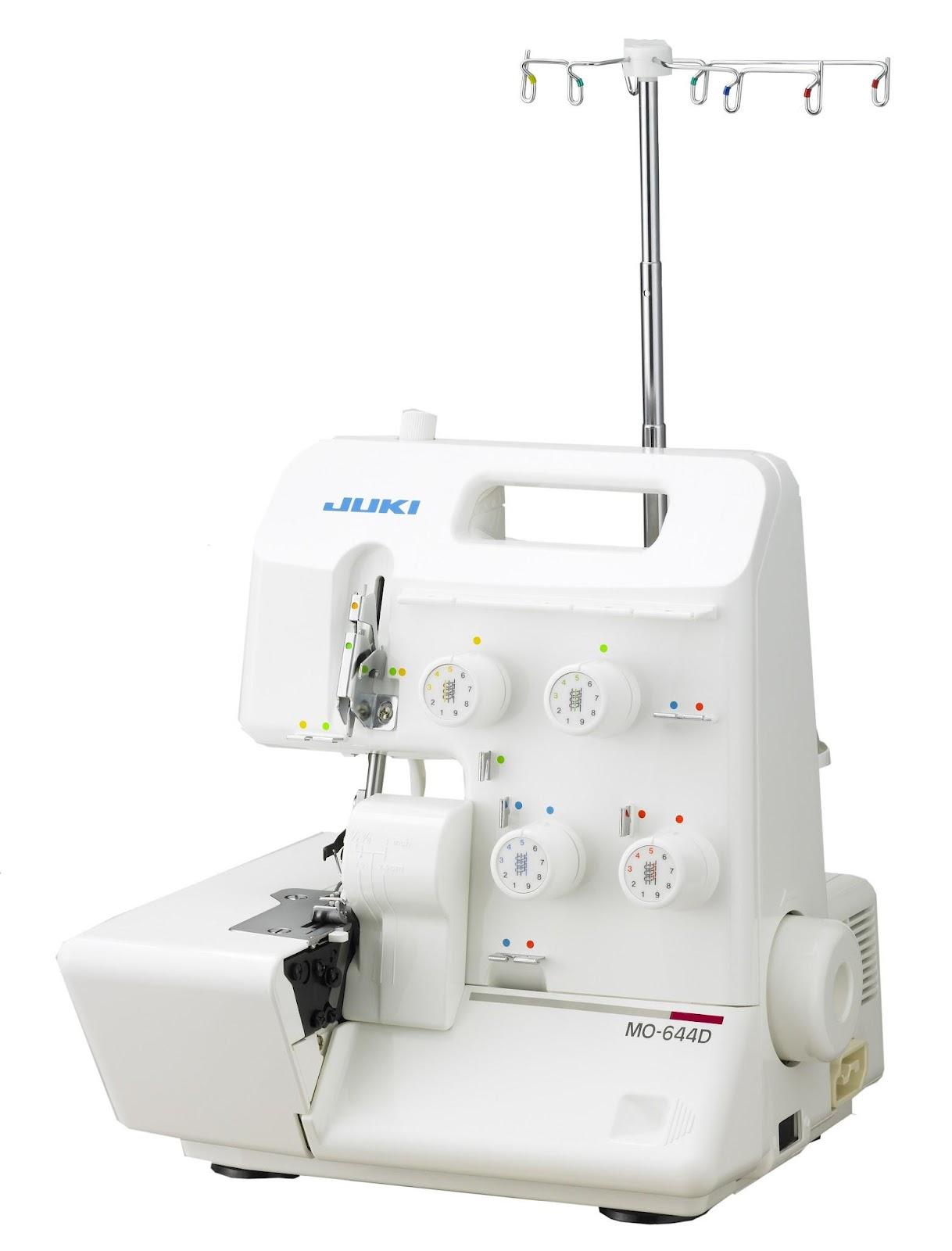
We have one Brother SE2000 and two Bernina 350 Series sewing machines and a Juki MO-644D serger available for reservation or walk-in use.
Click a sewing machine below to check availability or reserve:

3D Printing
We have five FFF style printers and one Resin (MSLA) printer available for reservation.
3D Printing Process
- Find or create your 3D model. You will need the model in .3mf, .stl, .step, .obj, or .amf format.
- When you get to the Makerspace, transfer the 3D model to a Makerspace computer by email or USB stick.
- Slice the file using PrusaSlicer on a Makerspace computer.
- Send the sliced g-code file to the 3D printer from the Makerspace computer.
Note: You must use a Makerspace computer to slice and send files to the 3D printers. We do not accept emailed 3D models and start the 3D printing for you.
Reserving 3D Printers
To use the printers, you can come in during open hours for in-person training and on-the-spot printing or later reservation.
Reserving a printer outside of open hours requires approval of a Makerspace Technologist. Speak with the Technologist on duty to extend your time outside of open hours.
Filament Usage Policy
While the Scholars' Lab Makerspace strives to be an accessible place to UVA students, faculty, staff, and the greater Charlottesville community, to continue supplying free resources for all that we offer, material usage will be capped at the discretion of the Makerspace Technologists. Patrons are always welcome to bring their own compatible materials to use in our equipment.
If you bring your own filament and do not want others to use it, then you must clearly mark the filament and leave a note by the printer with your contact information.
The Makerspace is not to be held liable for the use of your filament if left unattended. It is your responsibility to pick up your filament and ensure it is not used by others.
All filament is free for patrons up to 270 grams. Any prints over 270g need approval from Makerspace Manager. It is expected that you will supply your own filament for parts that use more than 270g of filament.
If you have additional questions regarding projects that require multiple iterations and/or several parts that will consume over 270g of filament, please consult the Makerspace Manager.
Reserve a Printer
Check the for availability or click a printer below:
-
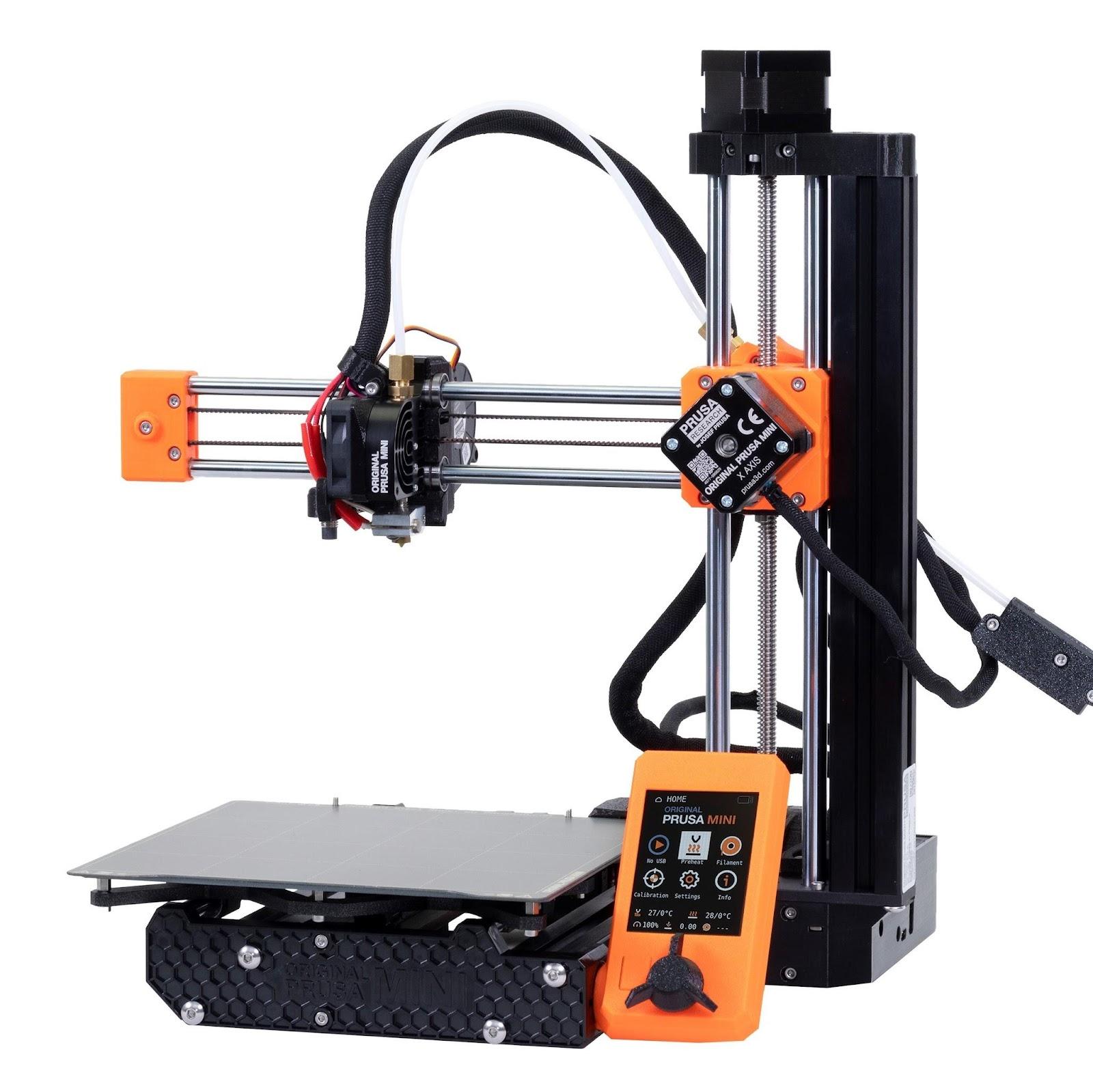 Prusa Mini+
(Miss Piggy) 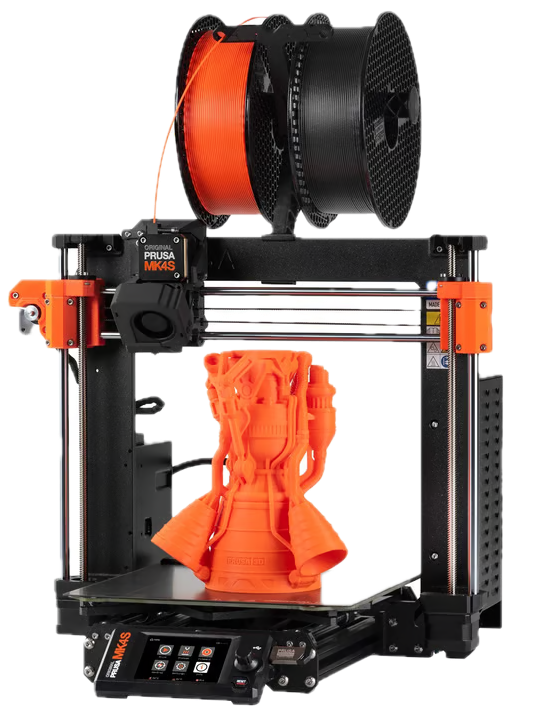 Prusa MK4S
(Camilla)- Prusa MK4S
(Gonzo) - Prusa MK4S
(Kermit) -
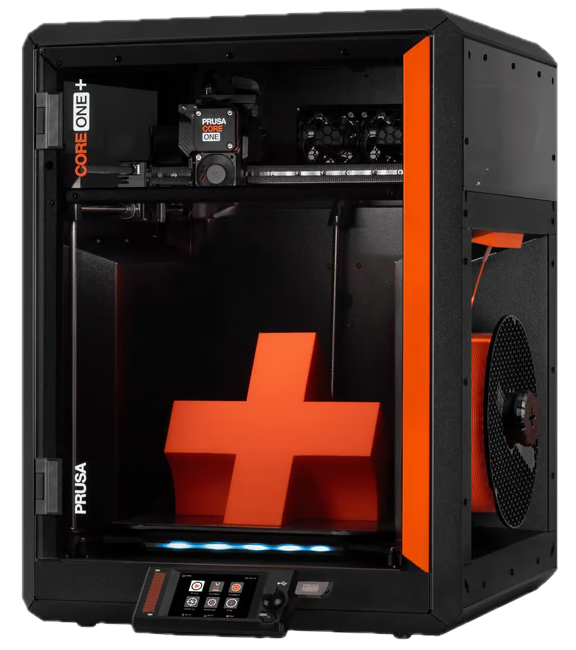 Prusa Core One+
(Janice) -
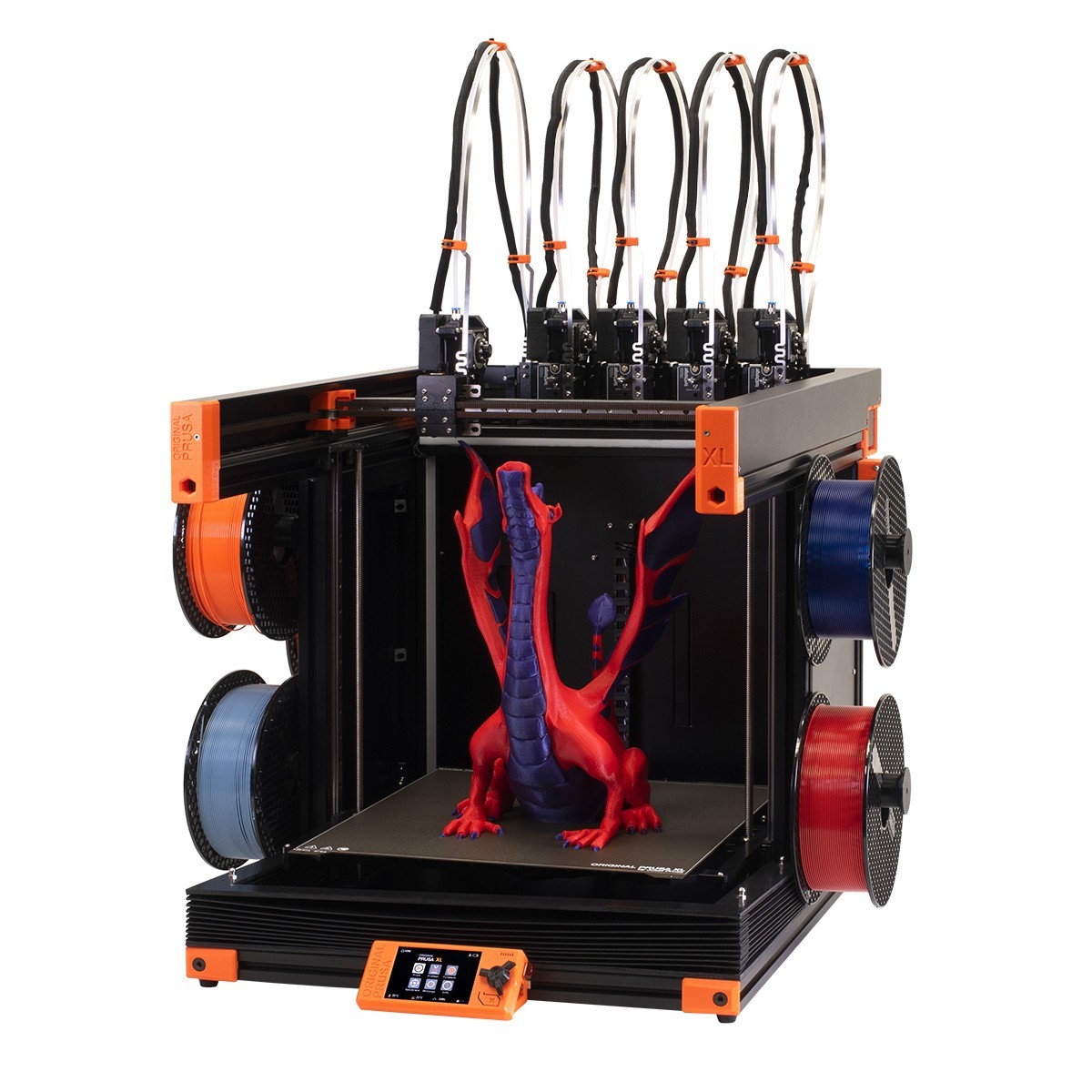 Prusa XL
(Big Bird) -
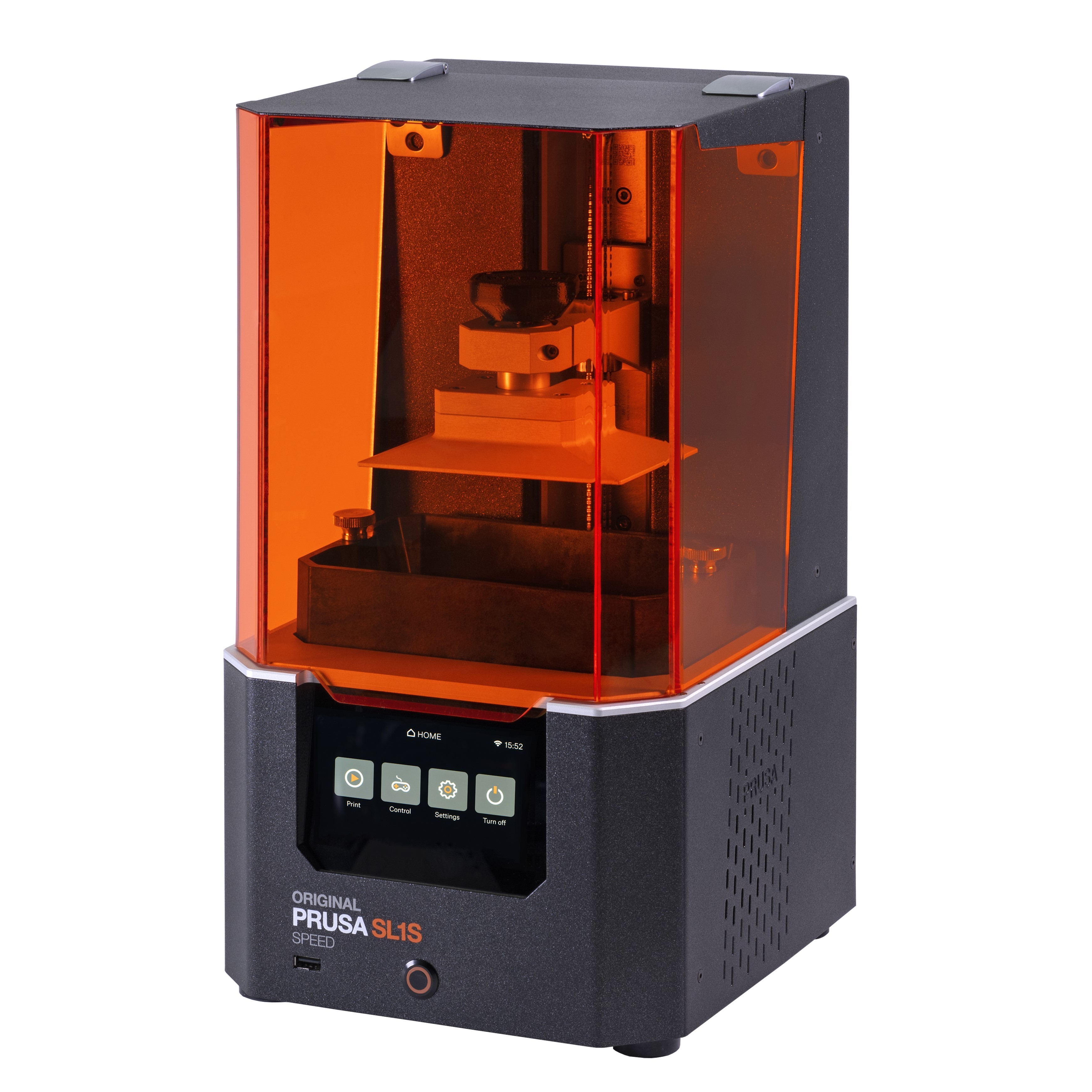 Prusa SL1S
(Fozzie)
Other Library 3D Printing
Self-service 3D printing is also available through the 3D Printing Studio in the Robertson Media Center in Clemons Library. To use the printers there, you need to complete an online training, sign up for an in-person training,then reserve a 3D printer during their open hours. Email teachlearn@virginia.edu with any questions.
The 3D printers are completely different from each other in each space, so training on 3D Printing Studio printers does not automatically grant access to the Makerspace printers.
Laser Cutting
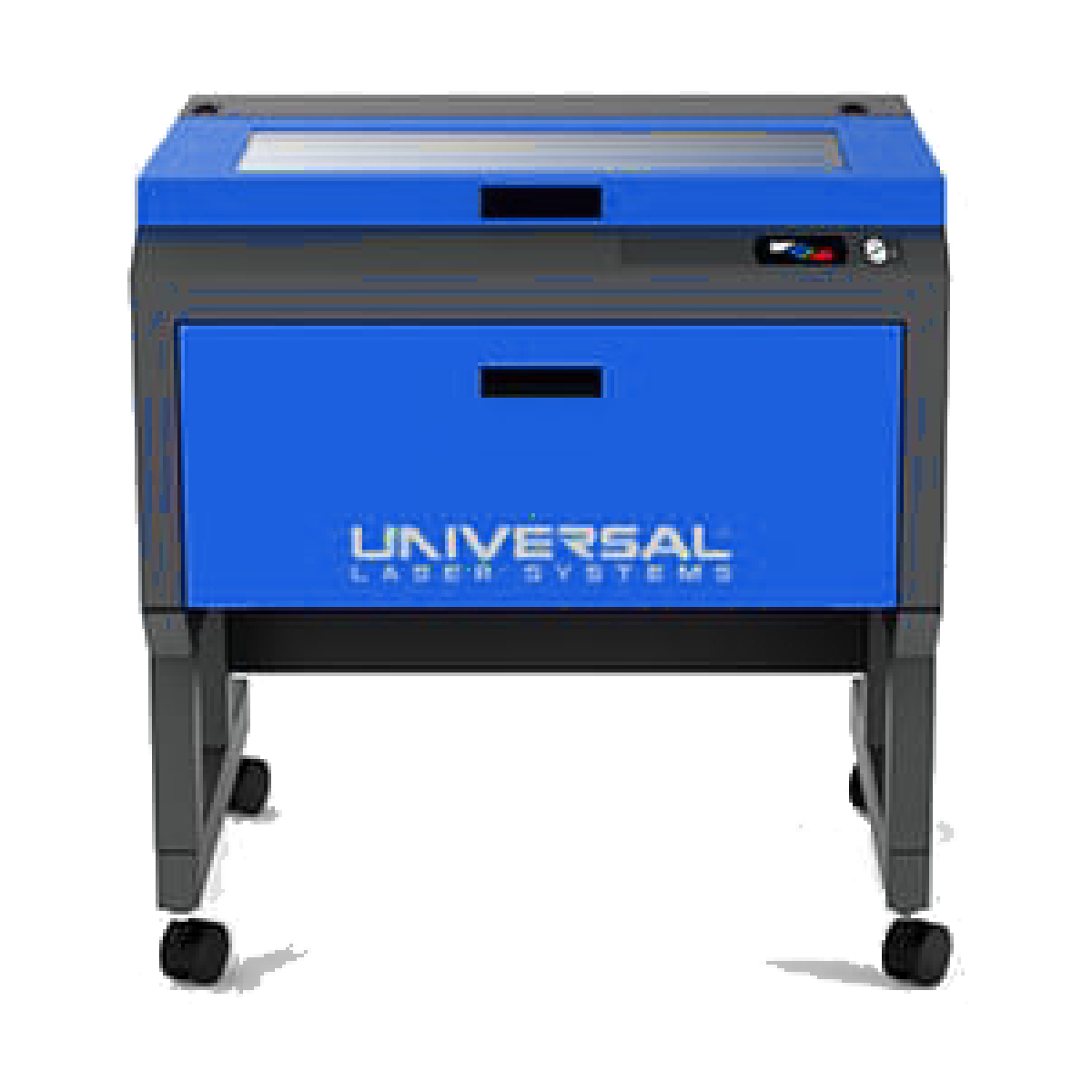
Our laser cutter is available by reservation.
You must provide your own materials for engraving or cutting. See below for the list of approved materials:
- Cast Acrylic (PMMA) - examples and purchase options
- MDF (Medium Density Fiberboard; MDF Draft Board) - examples and purchase options
- Polystyrene - examples and purchase options
- High quality plywood - examples and purchase options
- Double-ply Chipboard - examples and purchase options
- Leather (not fake leather, but real cowhide)
- Cardboard, cardstock, paper
- Any natural wood can be engraved, and cut when thickness is less than 1/4 inch
- Waterbottles and other cylindrical items can be engraved
Click the laser cutter below to check availability or reserve:
Learning Resources
Workshops
- Upcoming maker workshops
- Want more? Sign up for the Makerspace newsletter!
Instruction Manuals
- Laser Cutter Basics [PDF]
- Laser Cut a keychain [PDF]
- Button Maker [PDF]
- Silhouette Cameo [PDF]
- Zine Template [Google Slide]
Self-directed tutorials
Makerspace Technologists
Student Technologists
- Meka Buesking: Sewing
- Julian Cordero: Sewing, 3D Printing, Button Making
- Fatima Elalami: 3D Printing, Button Making
- Link Fu: Button Making, Stickers, Jewelry Making, Textiles, Costuming
- Robyn Ogombe: Sewing, 3D Printing, Button Making
- Tingyo Tan: Button Making, 3D Printing, Laser Cutting, Desktop CNC Mill, Electronics, Photogrammetry
- Grace Thilenius Sewing, 3D Printing
- Amy Tran: Button Making, Jewelry Making, Clay Modeling, Painting
- Mara Williams: Button Making, Sewing, Crochet, Embroidery, Fine Art, Digital Art, Laser Cutting
- Hans Yang: Button Making, 3D Printing, Laser Cutting, Paper Crafts
- James Xu: Sewing, Button Making, 3D Printing
Critical Making Fellow 2026-2027
- Jessica Gomez
Makerspace Manager & Lead Research Technologist
- Ammon Shepherd: 3D Printing, Electronics, Programming, Web Development, Sewing, Laser Cutter, CNC Router, Arduino, Raspberry Pi, 3D Modeling, Crafting, Button Making, Digital Humanities
Scholars’ Lab Staff Technologists
- Laura Miller: 3D Printing, Photogrammetry, Digital Humanities
- Shane Lin: 3D Printing, Programming, Digital Humanities
- Jeremy Boggs: 3D Printing, Electronics, Programming, Digital Humanities
- Amanda Visconti: Digital Humanities, Resin Casting, Letterpress